What is Web Development?
Web development is the process of creating and maintaining websites. It includes everything from building simple static pages to developing complex web applications, online stores, and platforms. Web development mainly involves designing how a website looks, how it works, and how users interact with it.
In simple words, web development is how websites are built and run on the internet.
Why Learn Web Development in 2025?
Web development continues to be one of the most valuable skills in 2025. Almost every business, creator, and organization needs a website. With remote work and freelancing growing rapidly, web developers are in high demand worldwide.
Key benefits of learning web development:
- High-paying career opportunities
- Freelancing and remote work options
- Ability to build your own websites or startups
- Strong demand across industries
- Skills remain useful for many years
Types of Web Development (Beginner Friendly)
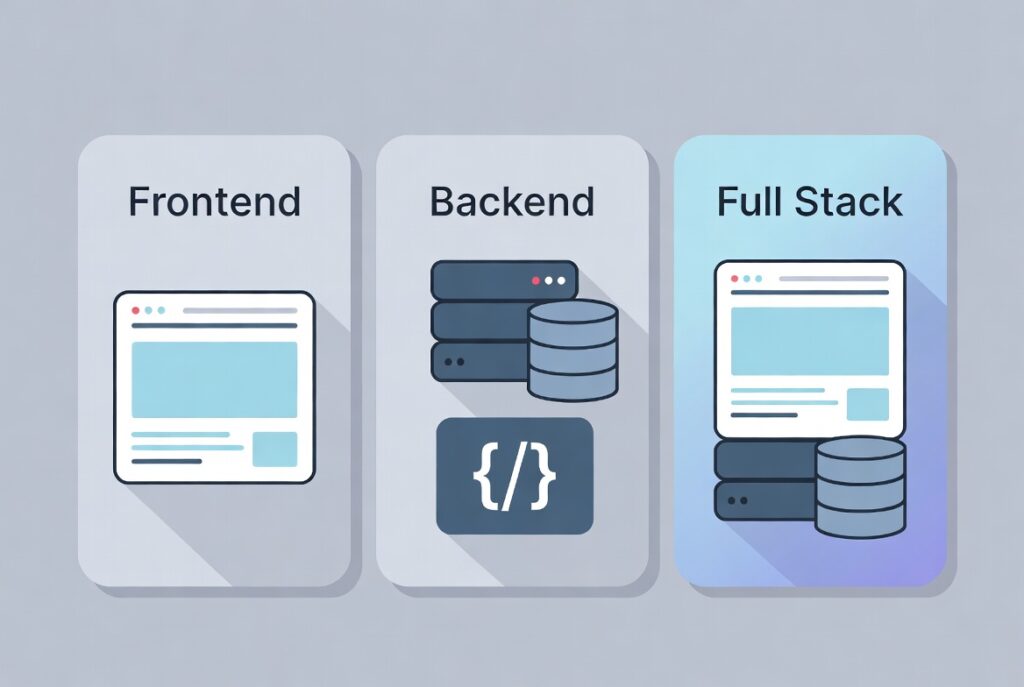
Before starting, it’s important to understand the three main types of web development.
1. Frontend Development
Frontend development focuses on what users see on a website. This includes layout, colors, buttons, fonts, and overall design.
Main technologies used:
- HTML (structure)
- CSS (styling)
- JavaScript (interactivity)
2. Backend Development
Backend development handles what happens behind the scenes. It manages data, servers, databases, and user authentication.
Common backend technologies:
- PHP, Python, Node.js
- Databases like MySQL or MongoDB
- Server management
3. Full-Stack Development
A full-stack developer works on both frontend and backend. Beginners often start with frontend and gradually move to full-stack.
Web Development Roadmap for Beginners (2025)
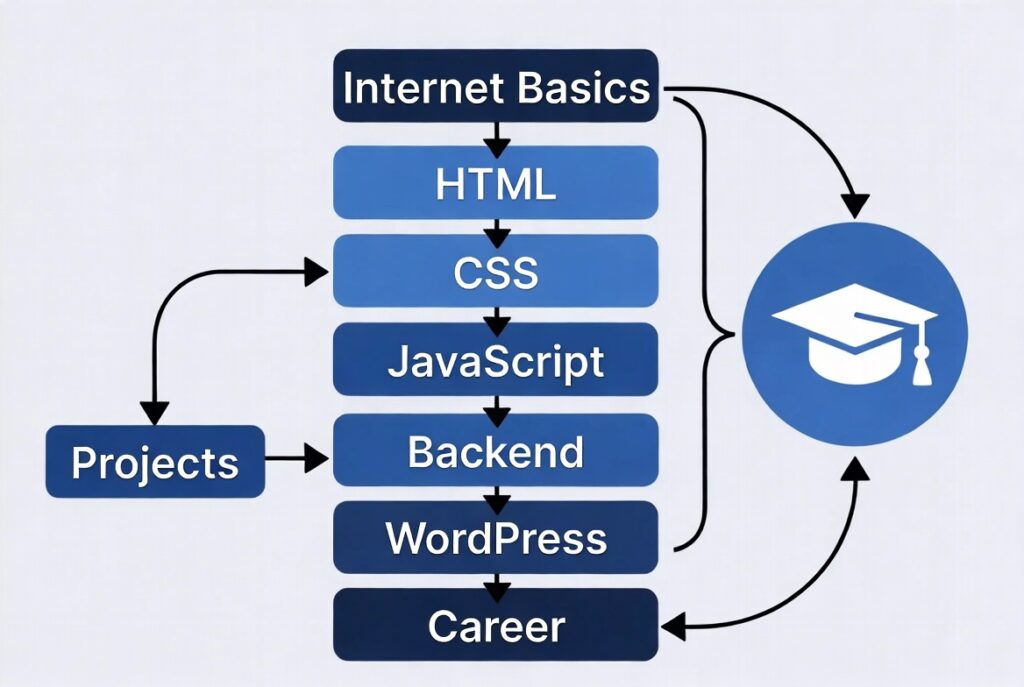
This step-by-step roadmap is designed for beginners with no prior coding experience.
Step 1: Learn the Basics of the Internet
Before coding, understand how websites work.
Learn:
- How browsers display websites
- What is hosting and domain
- How HTTP and HTTPS work
- Difference between websites and web applications
This foundation makes learning development much easier.
Step 2: Learn HTML (The Building Block)
HTML (HyperText Markup Language) is used to create the structure of web pages.
Focus on:
- Headings, paragraphs, links
- Images and lists
- Forms and input fields
- Semantic HTML elements
HTML is easy to learn and gives quick results, which keeps beginners motivated.
Step 3: Learn CSS (Design & Layout)
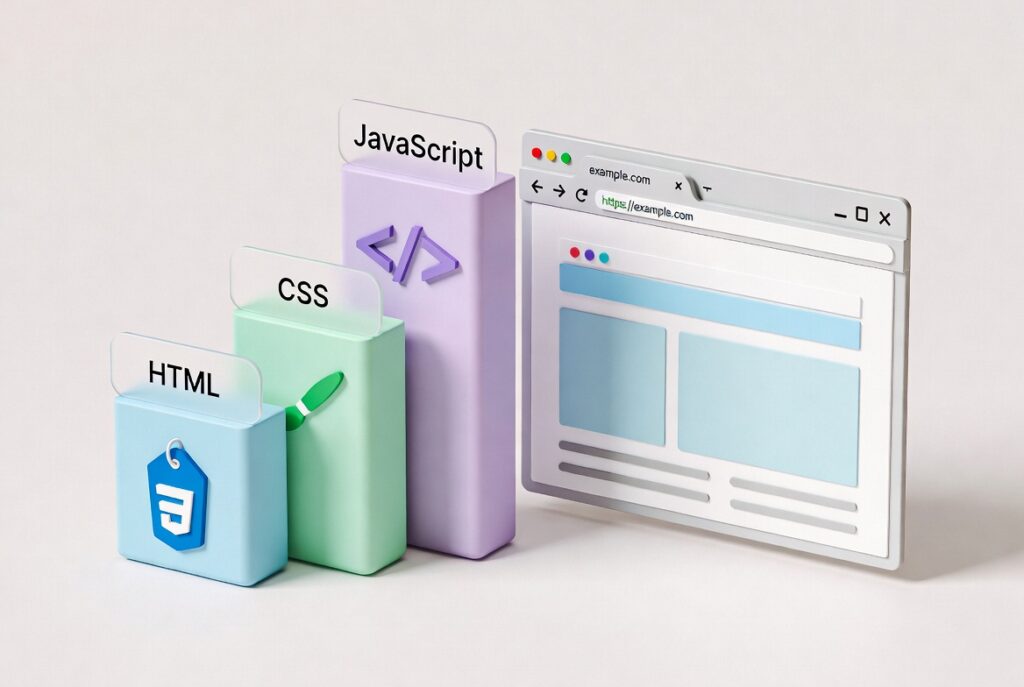
CSS (Cascading Style Sheets) is used to style and design websites.
Learn:
- Colors, fonts, spacing
- Box model
- Flexbox and Grid
- Responsive design for mobile devices
CSS helps you make websites look professional and user-friendly.
Step 4: Learn JavaScript (Make Websites Interactive)
JavaScript adds logic and interaction to websites.
Learn basics like:
- Variables and functions
- Events and DOM manipulation
- Simple animations
- Form validation
JavaScript is one of the most important web development skills and is widely used in modern websites.
Step 5: Build Small Projects
Projects help you apply what you learn.
Beginner project ideas:
- Personal portfolio website
- Simple blog layout
- Landing page
- To-do list app
- Contact form
Projects improve confidence and are useful for your portfolio.
Step 6: Learn a Backend Language (Optional for Beginners)
Once comfortable with frontend, move to backend development.
Beginner-friendly backend options:
- PHP (popular with WordPress)
- Python (easy syntax)
- Node.js (JavaScript-based)
You’ll learn how to:
- Store and retrieve data
- Handle user logins
- Connect databases
- Build dynamic websites
Step 7: Learn Version Control (Git & GitHub)
Version control helps track code changes.
Learn:
- Basic Git commands
- How GitHub works
- How to upload projects online
This is essential for teamwork and professional development.
Step 8: Learn WordPress (Highly Recommended)
WordPress powers over 40% of websites on the internet.
Benefits:
- No advanced coding required
- Perfect for beginners
- Great for freelancing and blogging
- Strong job demand
WordPress skills can help you start earning faster.
Step 9: Practice SEO-Friendly Web Development
In 2025, websites must be SEO-friendly.
Learn:
- Clean HTML structure
- Fast loading pages
- Mobile responsiveness
- Proper headings and URLs
- Accessibility basics
SEO-friendly websites rank better in Google and AI search results.
Step 10: Build a Portfolio & Start Earning
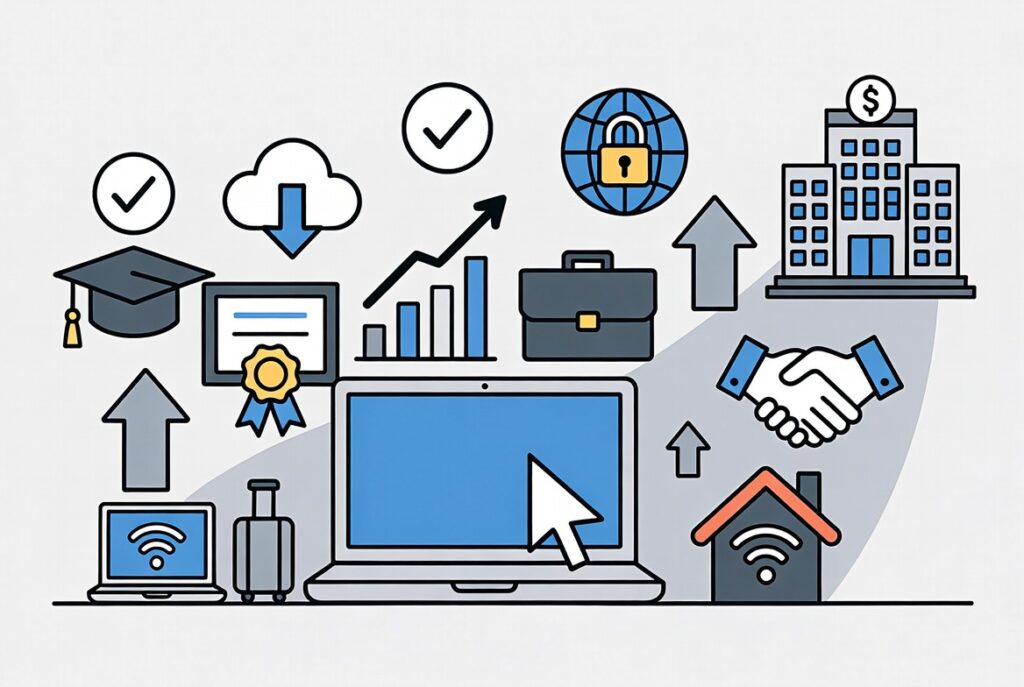
Create a portfolio showing your projects.
Ways to earn:
- Freelancing
- Job applications
- Building websites for small businesses
- Creating your own websites or blogs
Start small and improve gradually.
How Long Does It Take to Learn Web Development?
For beginners:
- Basics: 1–2 months
- Frontend skills: 3–4 months
- Backend + projects: 6–9 months
Consistency matters more than speed.
Tools for Beginner Web Developers
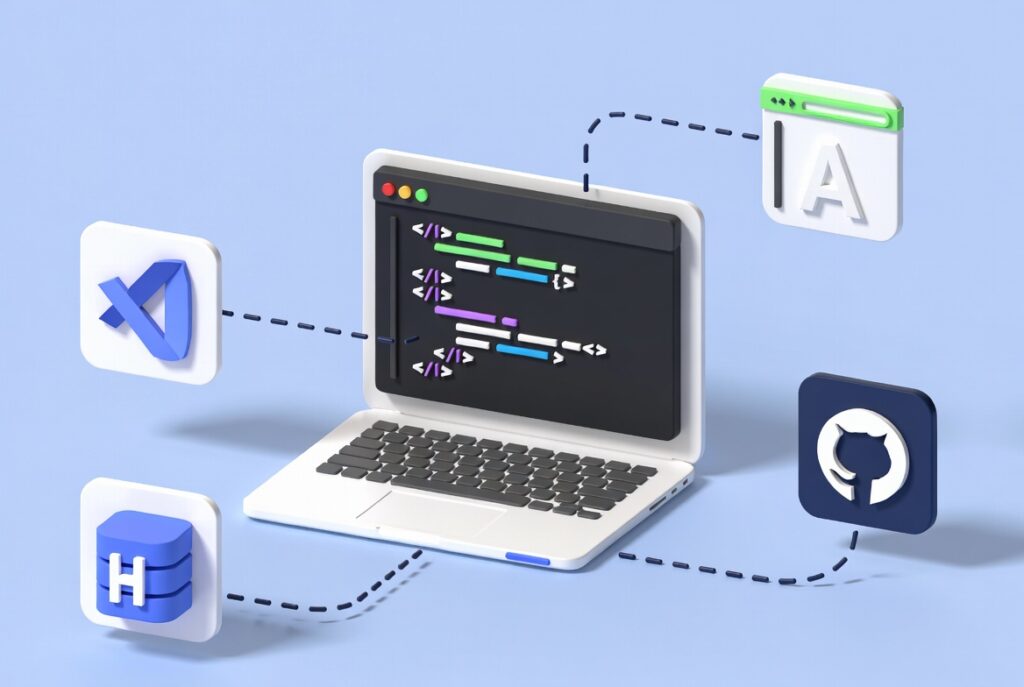
Some useful tools:
- Code Editor: VS Code
- Browser: Google Chrome
- Design: Figma or Canva
- Learning: FreeCodeCamp, MDN Web Docs
- Hosting: GitHub Pages
Common Mistakes Beginners Should Avoid
- Trying to learn everything at once
- Skipping fundamentals
- Not building projects
- Copying code without understanding
- Giving up too early
Learning web development takes time and patience.
Future Scope of Web Development
Web development will remain relevant due to:
- Growing online businesses
- AI-powered web apps
- E-commerce expansion
- SaaS platforms
- Digital transformation worldwide
Skilled developers will always be in demand.
FAQs – Web Development for Beginners
Is web development hard for beginners?
No. With the right roadmap and consistent practice, web development is beginner-friendly.
Do I need a degree to become a web developer?
No. Skills matter more than degrees. Many developers are self-taught.
Can I learn web development without coding experience?
Yes. HTML and CSS are easy to start with and require no prior knowledge.
Is web development a good career in 2025?
Yes. It offers high demand, flexibility, and strong income potential.
Should beginners learn WordPress or coding first?
Learning basic HTML and CSS first, then WordPress, is a smart approach.
Final Thoughts
Web development in 2025 is one of the best skills beginners can learn. With a clear roadmap, simple learning approach, and regular practice, anyone can build websites and start a rewarding career. Focus on fundamentals, build projects, and stay consistent.